
The digital cockpit in Volkswagen vehicles represents a significant leap forward in automotive technology. This system integrates various functions into a cohesive and intuitive interface, enhancing the driving experienc
Pro Features
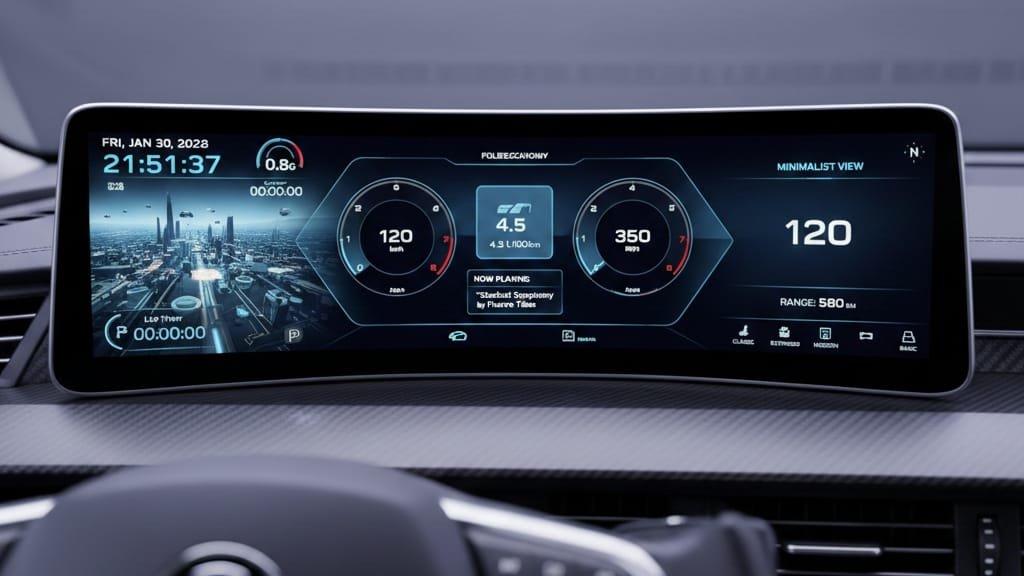
Volkswagen’s Digital Cockpit Pro is equipped with advanced features that make driving more enjoyable and convenient. Some of the key features include:
- High-resolution displays: Providing clear and detailed information.
- Customizable layouts: Allowing drivers to personalize their dashboard.
- Advanced navigation: With real-time traffic updates and voice control.
Step-by-Step Guide for Users
To get the most out of your Volkswagen’s digital cockpit, follow these steps:
- Initial setup: Navigate to the settings menu to configure your preferences.
- Customize your dashboard: Choose your preferred layout and information displays.
- Connect your devices: Use the vehicle’s infotainment system to pair your smartphone.
following these steps, you can enhance your driving experience with the digital cockpit Volkswagen system
Troubleshooting Common Digital Cockpit Issues
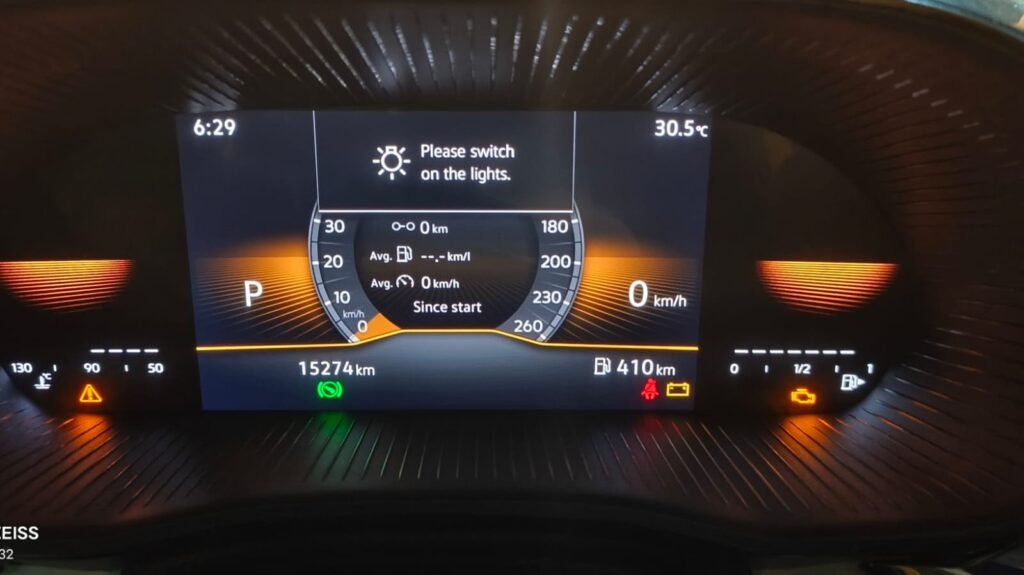
To ensure a seamless driving experience, it’s essential to troubleshoot common issues that may arise with your digital cockpit.
Resolving System Freezes and Restarts
If your digital cockpit freezes or restarts unexpectedly, try restarting your vehicle or checking for software updates. Sometimes, a simple reboot can resolve the issue.
For persistent problems, you may need to reset the system to its default settings. Refer to your vehicle’s manual for instructions on how to do this.
Fixing Connectivity Problems
Connectivity issues can be frustrating. Ensure that your smartphone or device is properly connected via Bluetooth or USB. Restarting both your device and the vehicle’s infotainment system can often resolve connectivity issues.
If problems persist, check the vehicle’s manual for troubleshooting guides specific to your digital cockpit
Addressing Display Glitches
Display glitches can range from frozen screens to incorrect information being displayed. Adjusting the display settings, such as brightness and screen resolution, can sometimes resolve these issues.
If the glitches continue, it may be necessary to update the display software or consult a professional for further assistance.
| Issue | Troubleshooting Steps |
| System Freezes/Restarts | Restart vehicle, check for software updates, reset system to default settings |
| Connectivity Problems | Check device connection, restart device and infotainment system |
| Display Glitches | Adjust display settings, update display software |
Future-Proofing Your Digital Cockpit Experience
As automotive technology advances, future-proofing your digital cockpit becomes increasingly important. To keep your vehicle’s digital cockpit running at its best, you need to stay informed about the latest developments in Digital Cockpit Volkswagen technology.
Installing Software Updates
Regular software updates are vital for maintaining the performance and security of your digital cockpit. To install updates, follow these steps:
- Check your vehicle’s manufacturer’s website for available updates.
- Follow the provided instructions for downloading and installing the updates.
- Ensure your vehicle is in a safe location and apply the parking brake before initiating the update proces
Keeping your software current not only enhances functionality but also addresses any security vulnerabilities
Selecting and Installing Aftermarket Upgrades
Aftermarket upgrades can significantly enhance your digital cockpit experience. When selecting upgrades, consider compatibility and the potential for integration with your existing system. Some popular aftermarket upgrades include:
| Upgrade | Description | Benefits |
| High-resolution displays | Offers clearer and more detailed visuals | Enhanced user experience, improved readability |
| Advanced navigation systems | Provides real-time traffic updates and more accurate routing | Reduced travel time, less stress |
| Smartphone integration modules | Seamlessly connects your smartphone to the digital cockpit | Increased safety, convenience, and connectivity |
Before installing any aftermarket upgrades, research the product thoroughly and ensure it is compatible with your vehicle’s digital cockpit technology
Conclusion: Embracing the Digital Driving Revolution
You have now mastered the fundamentals of your vehicle’s digital cockpit, understanding how to navigate its various features and customise it to your preferences. As car cockpit design continues to evolve, embracing the digital driving revolution is key to unlocking a more enjoyable, safe, and connected driving experience.
By familiarising yourself with the digital cockpit’s capabilities, you can enhance your driving experience, leveraging features like advanced navigation, gesture controls, and personalised settings. As you continue to explore your vehicle’s digital cockpit, you will discover new ways to make the most of its technology.
The future of driving is digital, and staying up-to-date with the latest developments in car cockpit design will ensure you remain at the forefront of this revolution. Whether you’re driving a Volkswagen with a digital cockpit or another make with advanced infotainment systems, the principles you’ve learned here will serve you well.
also read:
OBD Code P02CE: Cylinder 2 Fuel Injector Offset Learning at Min Limit – Causes, Diagnosis & Fix
New Maruti Suzuki Wagon R 2026 अब नए लुक में
Maruti Suzuki Brezza 2026: कीमत, माइलेज, फीचर्स और लॉन्च डेट – क्या यह बनेगी 2026 की सबसे बेस्ट SUV?