
Unraveling DTC Code P0113 Intake Air Temperature Sensor 1 Circuit High
Is your check engine light on? Find out all about OBD Code P0113 “Intake Air Temperature Sensor 1 Bank 1
Read More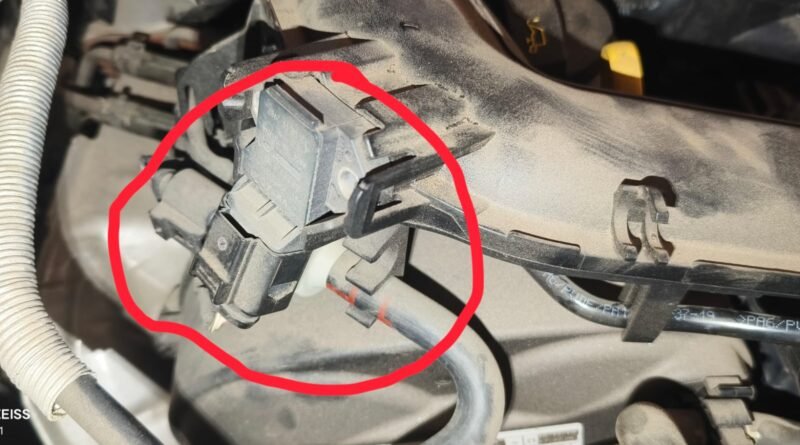
Is your check engine light on? Find out all about OBD Code P0113 “Intake Air Temperature Sensor 1 Bank 1
Read More
Is your check engine light on? Learn everything about OBD Code P0113 Intake Air Temperature Sensor 1 Circuit High. Discover
Read More
in this blog I will tell you in a simple way, this is the problem of ABS light, we will
Read More
Is Your Car Struggling to Start? Here’s What P06E9 Really Means (And How to Fix It Fast!) When your car
Read More
Looking for complete details about Maruti Suzuki Brezza 2026? Explore expected price, mileage, features, engine specs, safety updates, launch date
Read More
Nissan Gravite 2026 भारत में एक व्यावहारिक और आधुनिक 7-सीटर कॉम्पैक्ट एमपीवी के रूप में प्रवेश करने के लिए तैयार
Read More
जब हम नई कार खरीदते हैं, तो उसकी चमक और परफॉरमेंस हमें दीवाना बना देती है। Car Maintenance Checklist लेकिन
Read More
टोयोटा ने अपनी सबसे भरोसेमंद और शानदार सेडान, Toyota Camry 2026, को दुनिया के सामने पेश कर दिया है। यह
Read More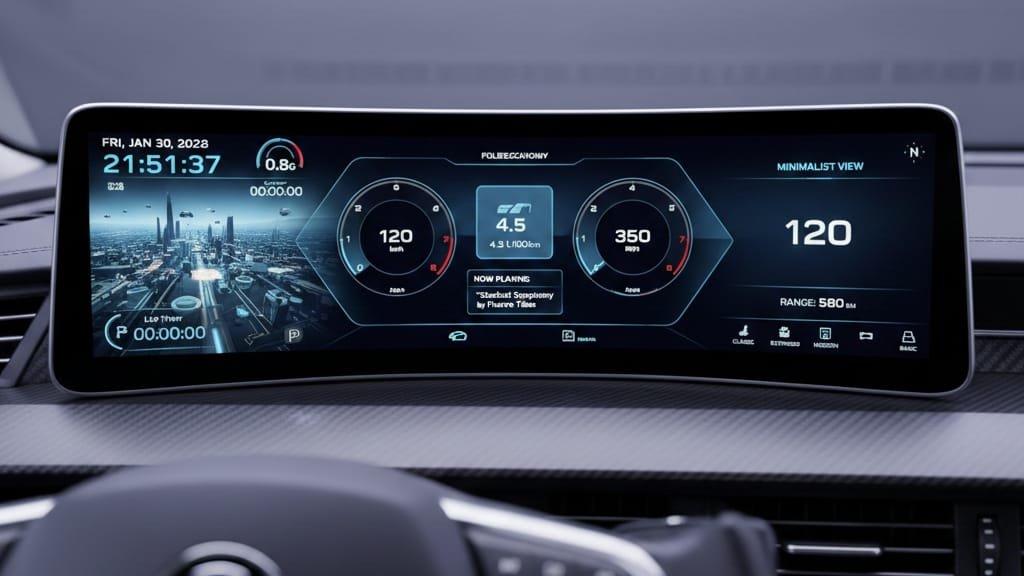
The digital cockpit in Volkswagen vehicles represents a significant leap forward in automotive technology. This system integrates various functions into a cohesive and intuitive interface, enhancing the driving experienc Pro Features Volkswagen’s Digital Cockpit Pro is equipped with advanced features that make driving more enjoyable and convenient. Some of the key features include: Step-by-Step Guide for Users To get the most out of your Volkswagen’s digital cockpit, follow these steps: following these steps, you can enhance your driving experience with the digital cockpit Volkswagen system Troubleshooting Common Digital Cockpit Issues To ensure a seamless driving experience, it’s essential to troubleshoot common issues that may arise with your digital cockpit. Resolving System Freezes and Restarts If your digital cockpit freezes or restarts unexpectedly, try restarting your vehicle or checking for software updates. Sometimes, a simple reboot can resolve the issue. For persistent problems, you may need to reset the system to its default settings. Refer to your vehicle’s manual for instructions on how to do this. Fixing Connectivity Problems Connectivity issues can be frustrating. Ensure that your smartphone or device is properly connected via Bluetooth or USB. Restarting both your device and the vehicle’s infotainment system can often resolve connectivity issues. If problems persist, check the vehicle’s manual for troubleshooting guides specific to your digital cockpit Addressing Display Glitches Display glitches can range from frozen screens to incorrect information being displayed. Adjusting the display settings, such as brightness and screen resolution, can sometimes resolve these issues. If the glitches continue, it may be necessary to update the display software or consult a professional for further assistance. Issue Troubleshooting Steps
Read More
Struggling with U1121 OBD Code ? Our deep-dive guide explains the “Message Data bus Missing” error, its causes (CAN bus
Read More